


[ad_1]
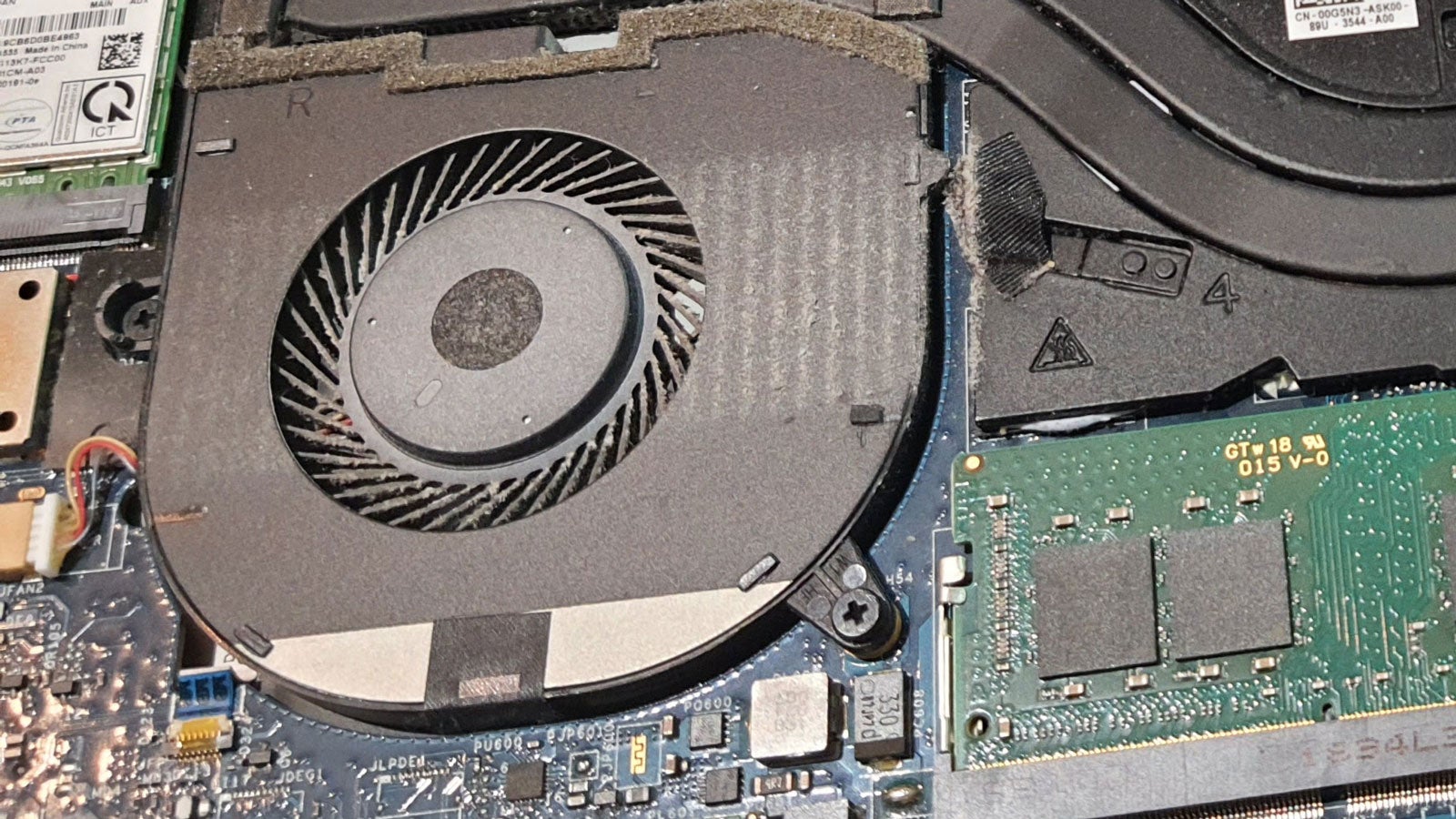
Do you suspect your laptop fan is working harder or is noisier than it used to be due to dust build up?
After several months of typical use, it isn’t unusual for laptop cooling fans to start suffering from the effects of dust build-up. Dust can make the fans less effective at cooling, so they will likely have to work harder to cool your CPU, and GPU if you have one. Additionally, dust and fluff can start filling up the vents from which hot air is supposed to be expelled.
In a desktop PC there is quite a lot of room to get in and do some thorough dusting, but laptops are a much more size constrained and delicate form factor. Therefore, you might be apprehensive about opening up your laptop to get some dusting done, but it isn’t that difficult, just be methodical and careful, and follow our guide below.
Once you are done, your laptop cooling system should breathe free once more – in just 10 minutes or so. Please note that not all laptops allow access to their fans via removing the complete bottom panel, like ours. If in doubt, consult your laptop manual or first-party instructions for inner component access online.
Hardware used
- A standard modern laptop
- Precision screwdriver set
- A microfiber cloth
- A soft brush
- A toothpick
Short version
- Open your laptop and get your cleaning gear together
- Gently clean very dusty areas with a dry microfibre cloth
- Use a soft brush to get dust from the fan blades
- Use a toothpick to remove fluff build-up from vents
-
Step
1Turn off the laptop and get ready
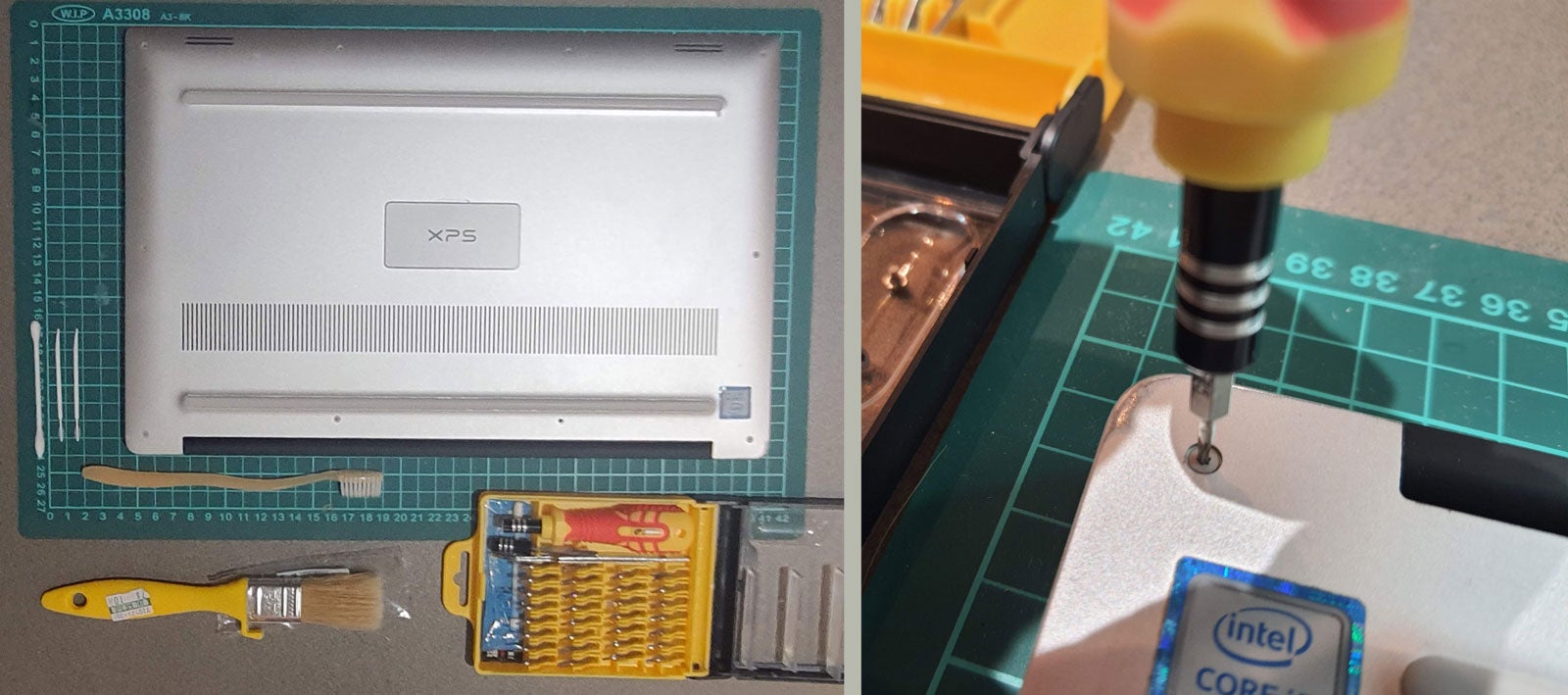
Turn off your laptop and unplug everything. Seat yourself at a suitable work surface which won’t scratch your laptop, and turn it over, so you can take off the bottom panel by undoing the various screws and lifting it away.
-
Step
2Check what needs doing
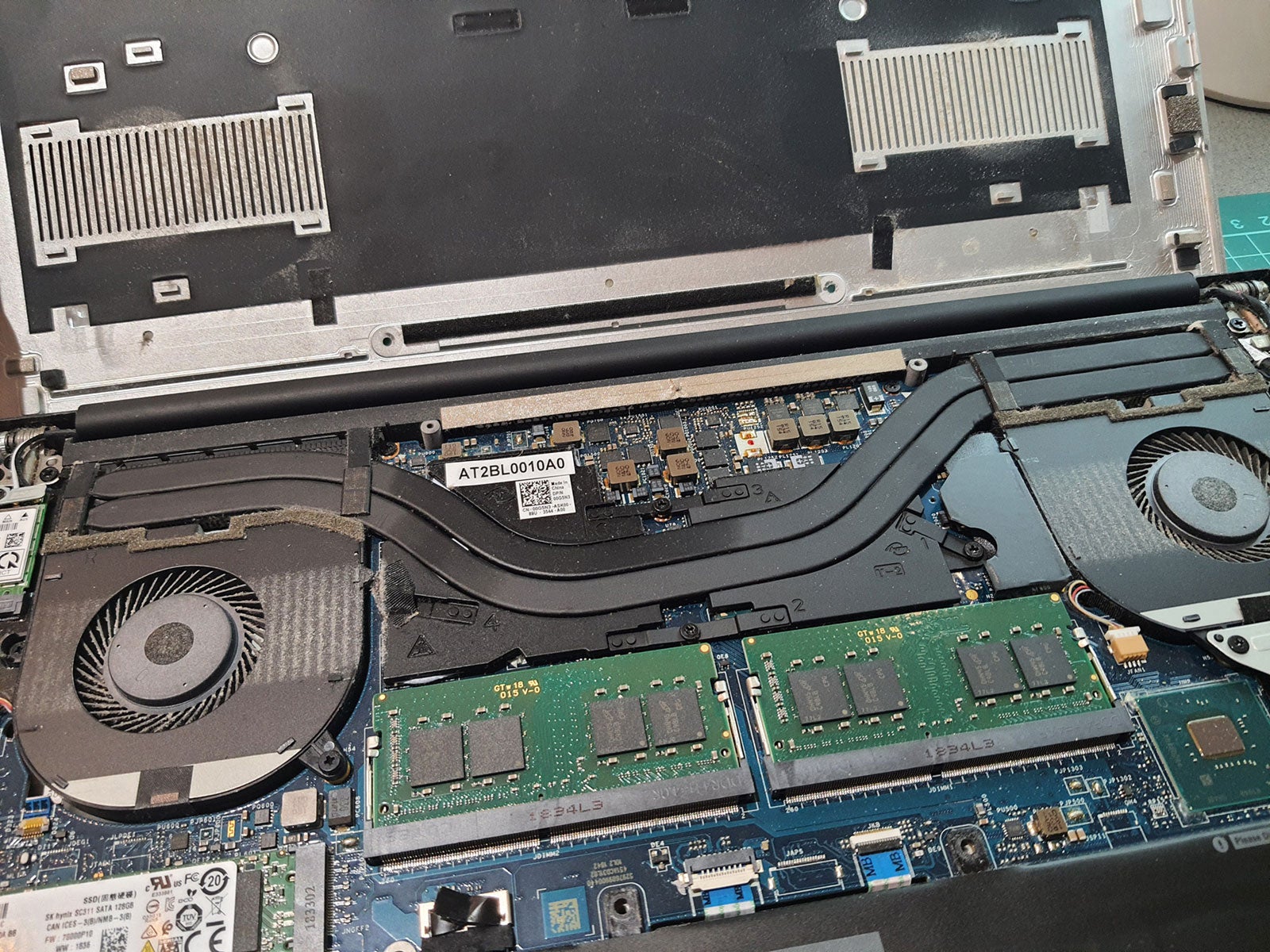
In our laptop example, that relatively simple act of disassembly revealed everything we needed to see and access. The two fans in the picture take air in from the vents on the underside of the laptop, blow air across a pair of flattened heatpipes which cover the CPU and discrete GPU, and exhaust the hot air out of the back of the laptop at the hinge area.
-
Step
3Preliminary wipe
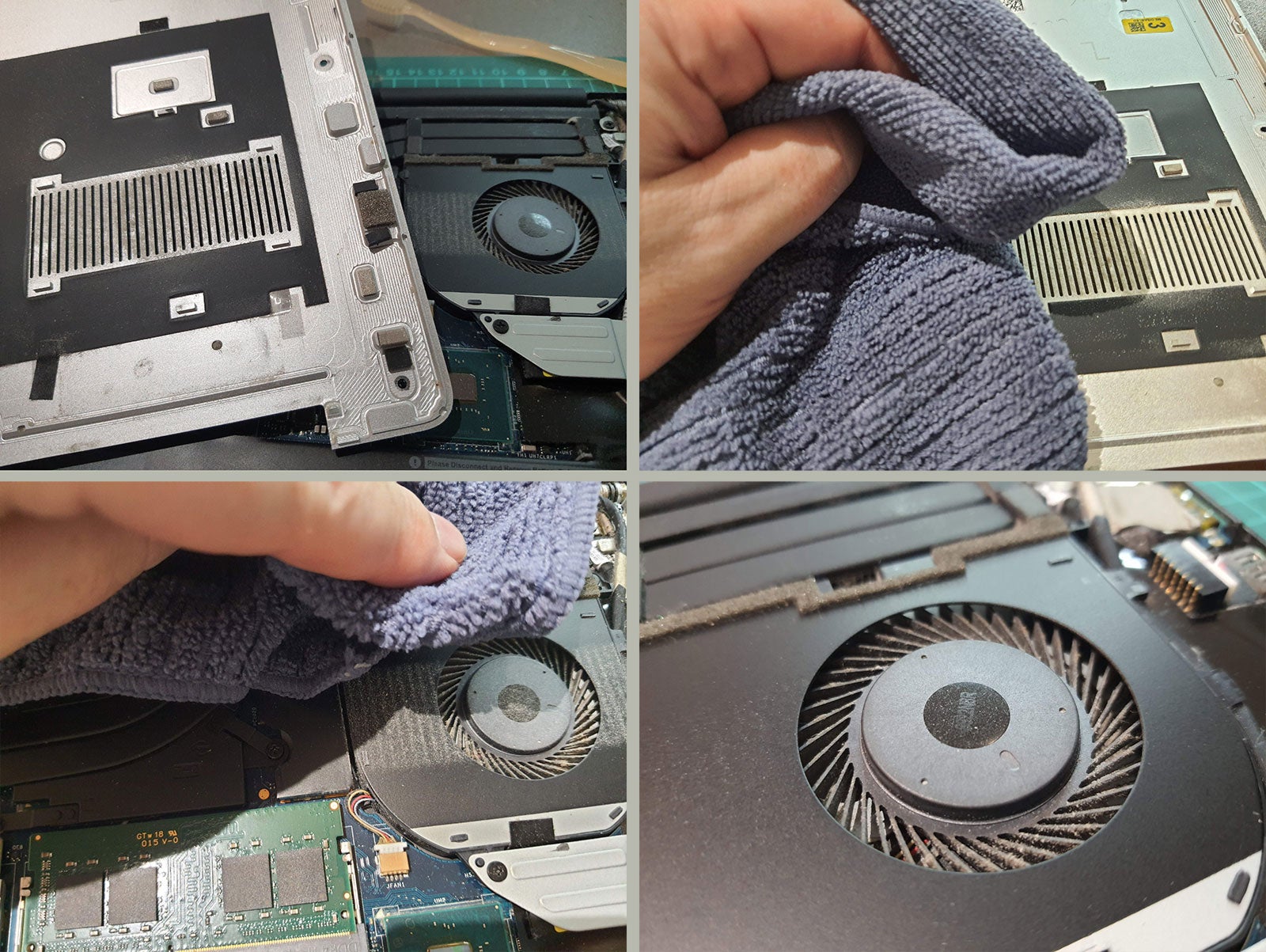
First inspections reveal dusty fans and dusty bottom panel. A quick but careful wipe with a dry microfiber cloth gets rid of most of the surface dust from the panel and fans areas.
-
Step
4Gently brush fan blades
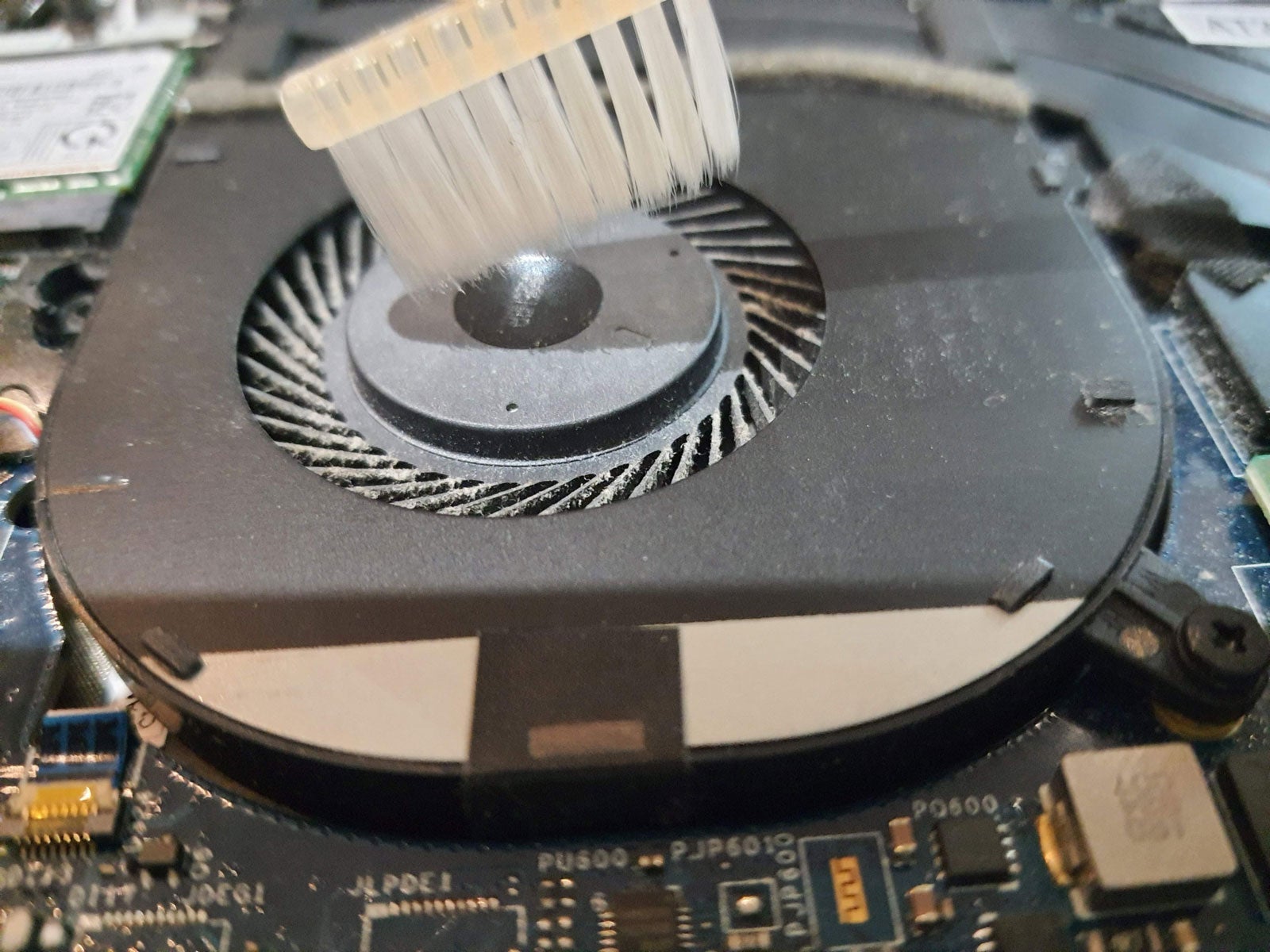
Look at all that dust and fluff inside the fan blades. We are going to use a spare very soft toothbrush (thanks Holiday Inn) to brush and flick that out. Working your way around the fan brush between each blade from the centre out, dislodging the detritus. It doesn’t become perfect after this, but things are a lot less clogged.
-
Step
5Toothpick dust and fluff from vents, before another wipe, and you are done
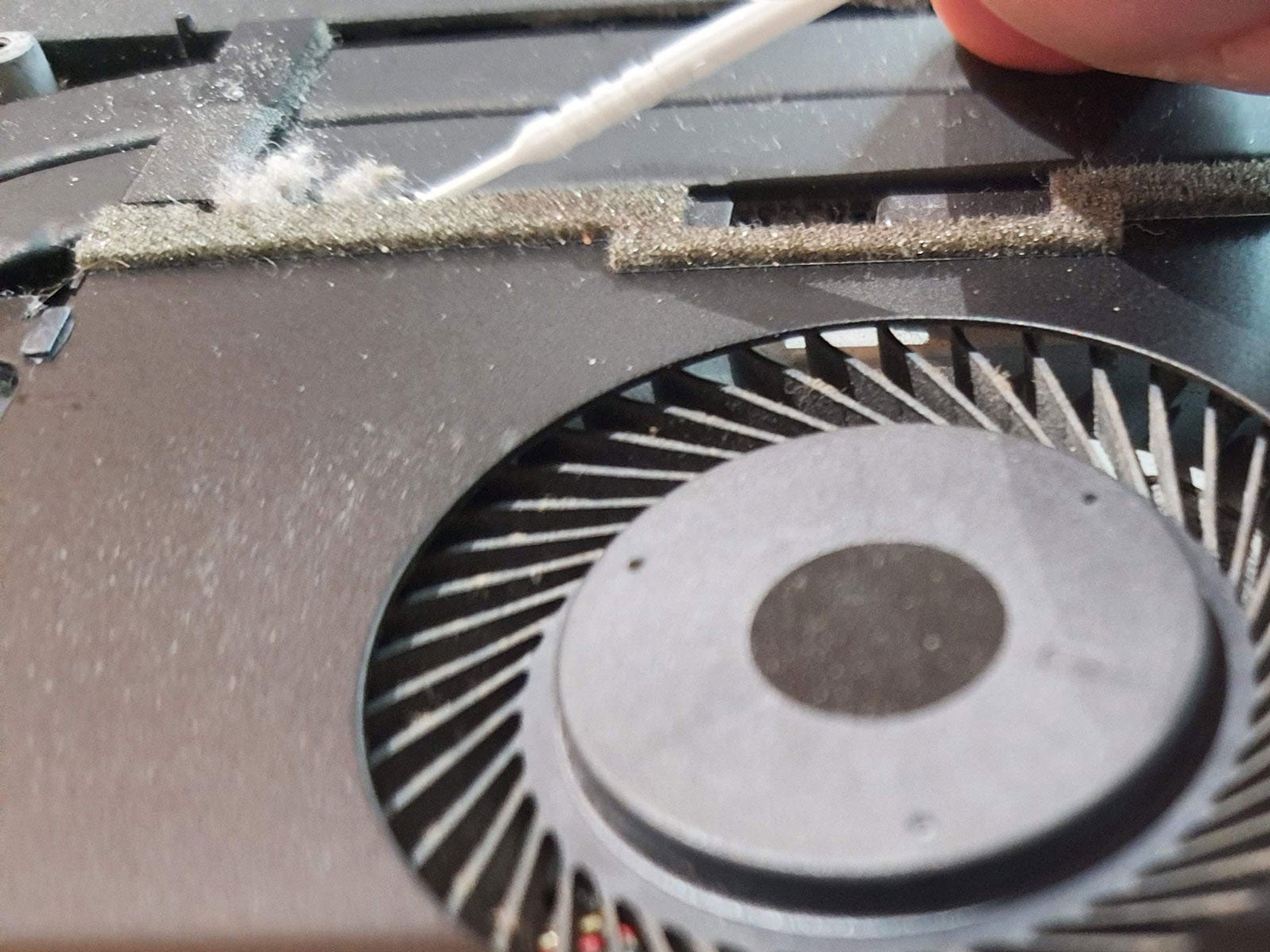
The last major step in the cleaning process was to use a plastic toothpick to brush the vents, where the air from the fan is jettisoned towards the heatpipes. This dislodged a gratifying amount of dusty fluff. Now the fans and cooling vets are more or less dust free, you can give the surfaces one more microfiber wipe before closing everything up and starting up your quieter, cooler running laptop.


FAQs
Compressed air jets or a vacuum cleaner might be a useful final step of the clean, but you must be very careful with these powerful air movers. Inside your laptop, there are some very delicate parts. So if you feel the need for air jets, be very careful, starting from a distance where the air jet / suction power will be gentler. Use your skill and judgement, but we advise that it isn’t a necessary step for cleaning.
No, please note that the fan will have an enclosed lubricated bearing and should run its full life without any oil being added by the user. If one day the fans physically wear out, you will have to replace the whole units from the laptop vendor.
If you have noticed some telltale signs that your laptop fans aren’t working as well as they used to (heat, noise), it might be time to take a look. The laptop in the photos was cleaned about a year previously, and not for the first time, and is three or four years old. Prevention is better than cure, but people like to rest laptops on soft furnishings sometimes, and they will suck up a lot of dust quite quickly.
[ad_2]
Source link





