Blogger Advance
No Result
View All Result
Wednesday, March 4, 2026
  • Login
  • Home
  • Business
    • Marketing
    • Economy
    • Politics
    • Investing
    • Markets
  • How To
    • Blogger
    • WordPress
  • Tools
  • Software
    • Android OS
    • Windows
    • Mac Os
  • Indo
Blogger Advance
  • Home
  • Business
    • Marketing
    • Economy
    • Politics
    • Investing
    • Markets
  • How To
    • Blogger
    • WordPress
  • Tools
  • Software
    • Android OS
    • Windows
    • Mac Os
  • Indo
No Result
View All Result
Blogger Advance
No Result
View All Result
Home iOS

How to fast charge an iPhone

Foxy by Foxy
July 27, 2022
in iOS, How To
Reading Time: 3 mins read
132 8
0
ADVERTISEMENT
Share on FacebookShare on Twitter

RelatedPosts

How To Create a Group in Discord on a Computer of Mobile Device

How To Stream a Nintendo Switch to Twitch

How To Get Absolute Value in Google Sheets

[ad_1]

Have you ever been on your way out the door only to realise your phone has less than 10% battery? This is where fast charging comes to the rescue. Scroll down to learn everything you need to know about fast charging your iPhone. 

Apple originally introduced fast charging to its smartphones in 2017 with the iPhone 8 and, while its 18W charging isn’t anywhere near as fast as that on some Android phones like the 120W Xiaomi 12 Pro, it still promises to give you that initial 50% boost in just half an hour. 

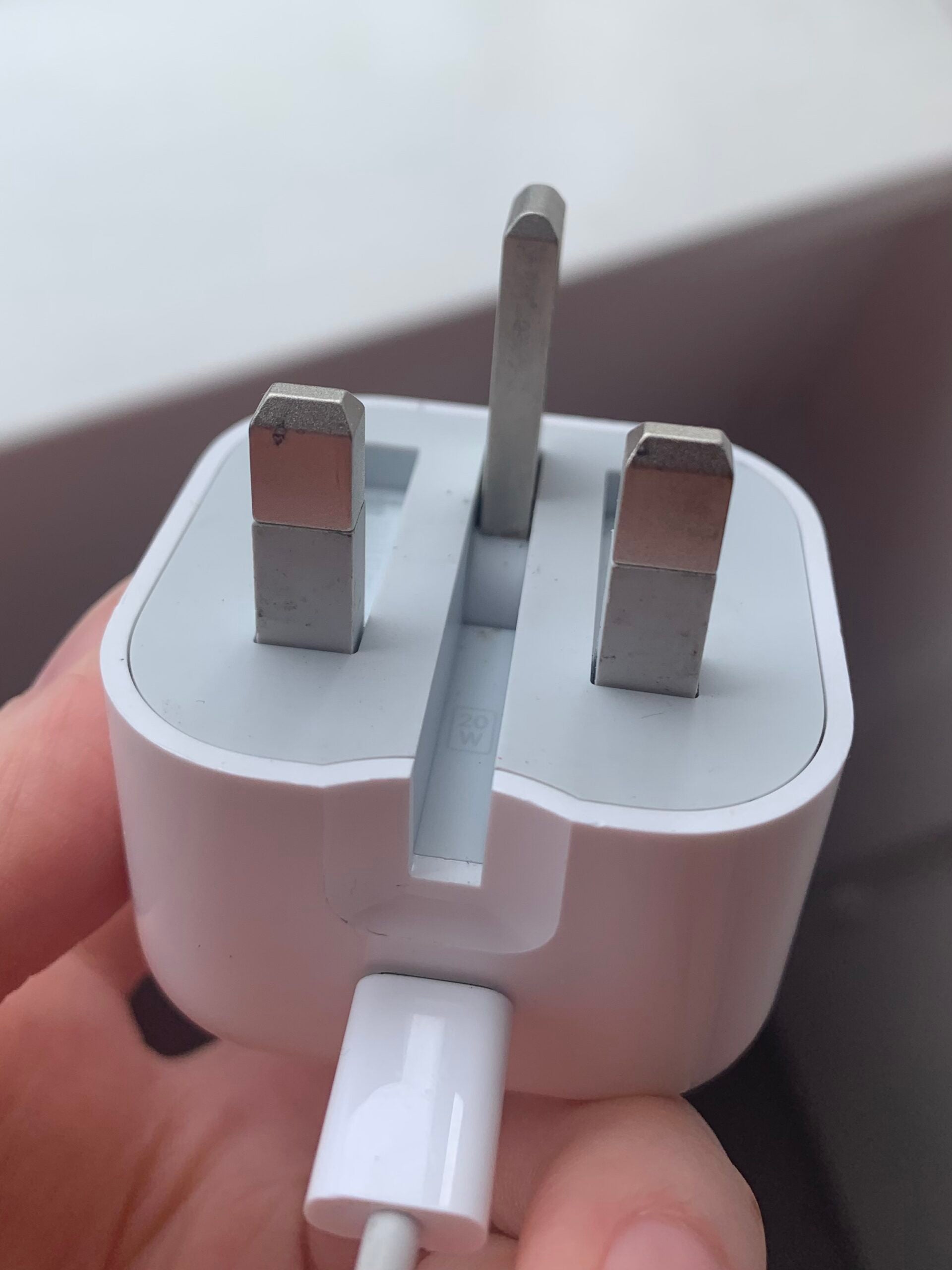
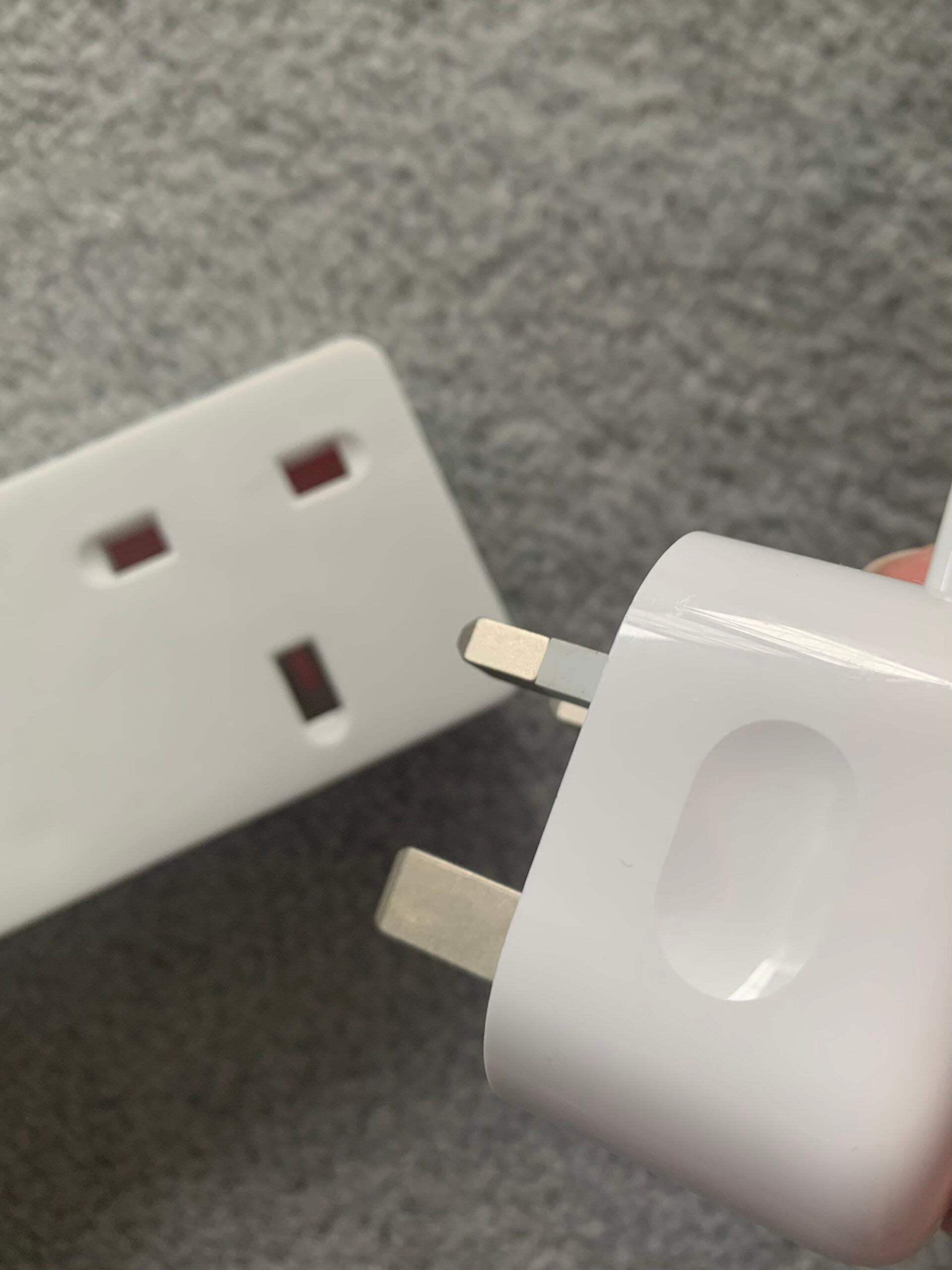
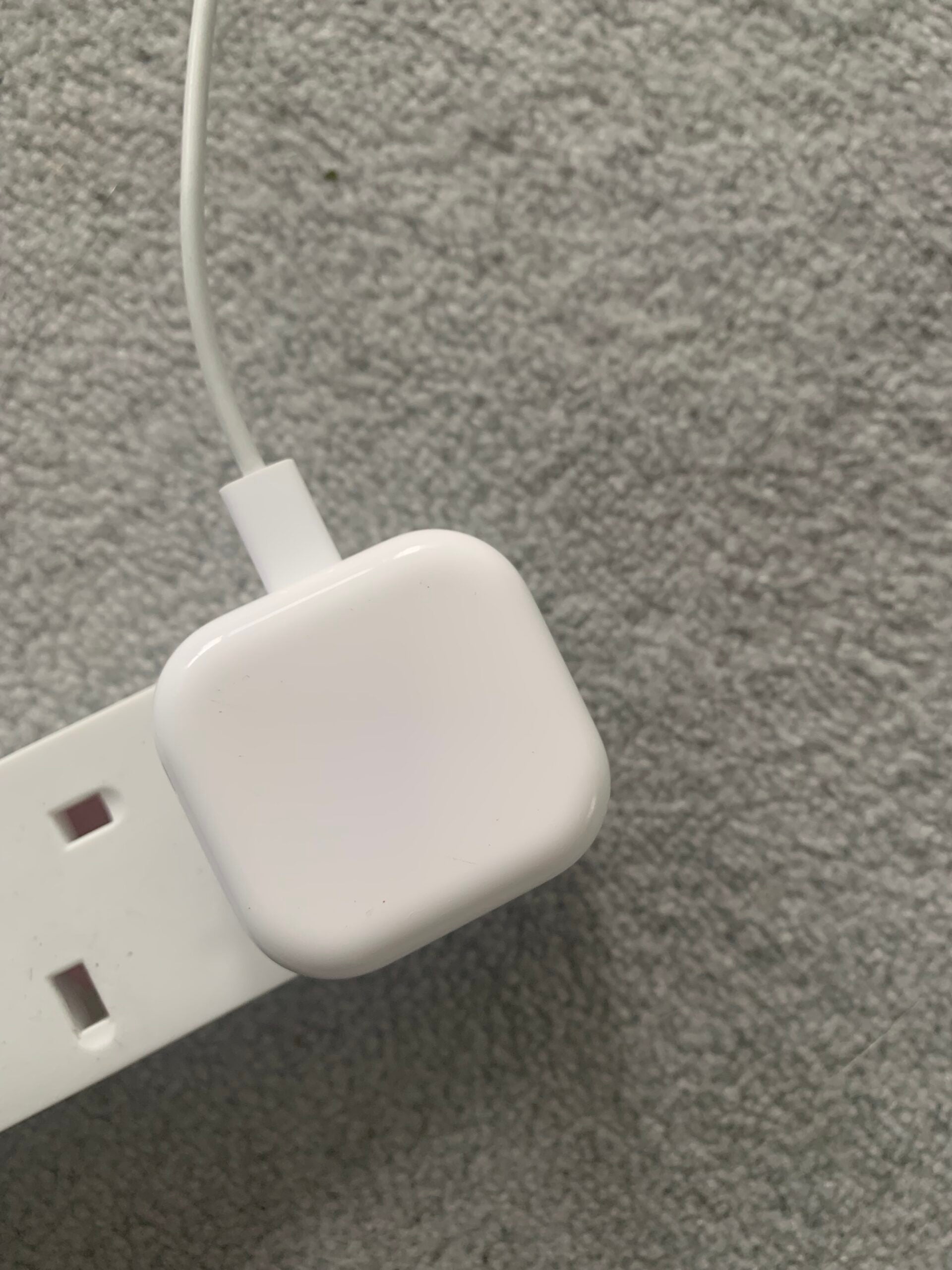
The key to unlocking these faster charging speeds is to pick up an 18W (or 20W if you use an iPhone 12 or 13) power adapter. Sadly, Apple doesn’t provide a charging brick in the box anymore, but you can pick one up from Apple or a third-party brand for around $19/£19/€25. 

You can also get 15W fast charging wirelessly on the iPhone 12 or 13 using Apple’s MagSafe charger, though the Mini models are limited to 12W. That said, this guide covers how to charge your phone with a cable and adapter for the fastest possible charging speeds.

Keep reading to learn how to fast charge an iPhone. 

What you’ll need: 

  • An iPhone 8 or above 
  • An 18W minimum power adapter (20W minimum for the iPhone 12 and 13) 

The Short Version 

  1. Get an 18W (or higher) power adapter 
  2. Plug in your phone 
  3. Wait 30 minutes

How to fast charge an iPhone

  1. Step
    1

    Find a power adapter

    Apple lists its own 18W, 20W, 29W, 30W, 61W, 87W and 96W adapters all as supporting fast charging, along with “comparable third-party power adapters” that support USB Power Delivery. how to fast charge an iPhone

  2. Step
    2

    Plug your phone in to charge

    You’ll need to use a USB-C to Lightning cable alongside your adapter. how to fast charge an iPhone

  3. Step
    3

    Wait

    You should see your phone hit 50% in around 30 minutes. how to fast charge an iPhone

Troubleshooting

Where can I find the wattage of my adapter?

If you’re using an Apple power adapter, you can find the exact number of watts your adapter carries on the certification label on the top or bottom of the charging brick.

[ad_2]

Source link

Advertisement. Scroll to continue reading.
ADVERTISEMENT
Share64Tweet40Send
Previous Post

How to change the graphics settings on PS5

Next Post

T-Mobile and Apple Forge Partnership for Small Business Package Deal

Foxy

Foxy

Discover the tactics, strategies, and tools you need to accelerate the growth of your blog. Click to visit

RelatedPosts

How To

How To Create a Group in Discord on a Computer of Mobile Device

August 29, 2022
2k
How To

How To Stream a Nintendo Switch to Twitch

August 28, 2022
2k
How To

How To Get Absolute Value in Google Sheets

August 27, 2022
2k
How To

How to censor explicit content on Spotify

August 27, 2022
2k
How To

How to Cite a Picture in PowerPoint

August 27, 2022
2k
How To

How to change your PS4 name

August 27, 2022
2k
Next Post

T-Mobile and Apple Forge Partnership for Small Business Package Deal

Leave a Reply Cancel reply

Your email address will not be published. Required fields are marked *

  • Trending
  • Comments
  • Latest

How To Fix Sudo: apt-get: Command Not Found

August 9, 2022

Healer’s MIUI 12.5 for MI 8 Lite – PLATINA Mi 8 Lite

June 17, 2022

How to watch the Star Wars films and TV shows in the right order

August 9, 2022

Why Are Gas Prices Going Down?

August 9, 2022

5 Skills You Should Leave Leadership Training With

2

How to Change Your Username on Fortnite

2

20 Effective Ways to Automate and Grow Your Business

2

What is an SBA 7 (a) Loan?

2

Led by base effect & services pickup, Q1 GDP growth seen in double digits

November 5, 2022

Flexible workspaces, hours: PM for more women in labourforce

August 29, 2022

10 Online Business for Sale in August

August 29, 2022

How To Create a Group in Discord on a Computer of Mobile Device

August 29, 2022

Blogroll

AFC SOP JOGJA
JASA WEBSITE BALI
PELUANG BISNIS ONE MORE
PENGACARA DI BALI
AFC SOP SOLO
Lawyers In Bali
Rekomendasi Tempat Oleh - Oleh Khas Bali
ONE MORE INTERNATIONAL

– Advertisment –

ADVERTISEMENT
Blogger Advance

© 2021 RuangService.Com - Desain by Webhostbali.Com.

Navigate Site

  • Home
  • Advertisement
  • Contact Us
  • Privacy & Policy

Follow Us

No Result
View All Result
  • Home
  • Business
    • Marketing
    • Economy
    • Politics
    • Investing
    • Markets
  • How To
    • Blogger
    • WordPress
  • Tools
  • Software
    • Android OS
    • Windows
    • Mac Os
  • Indo

© 2021 RuangService.Com - Desain by Webhostbali.Com.

Welcome Back!

Login to your account below

Forgotten Password?

Retrieve your password

Please enter your username or email address to reset your password.

Log In
Go to mobile version